
Case 022026
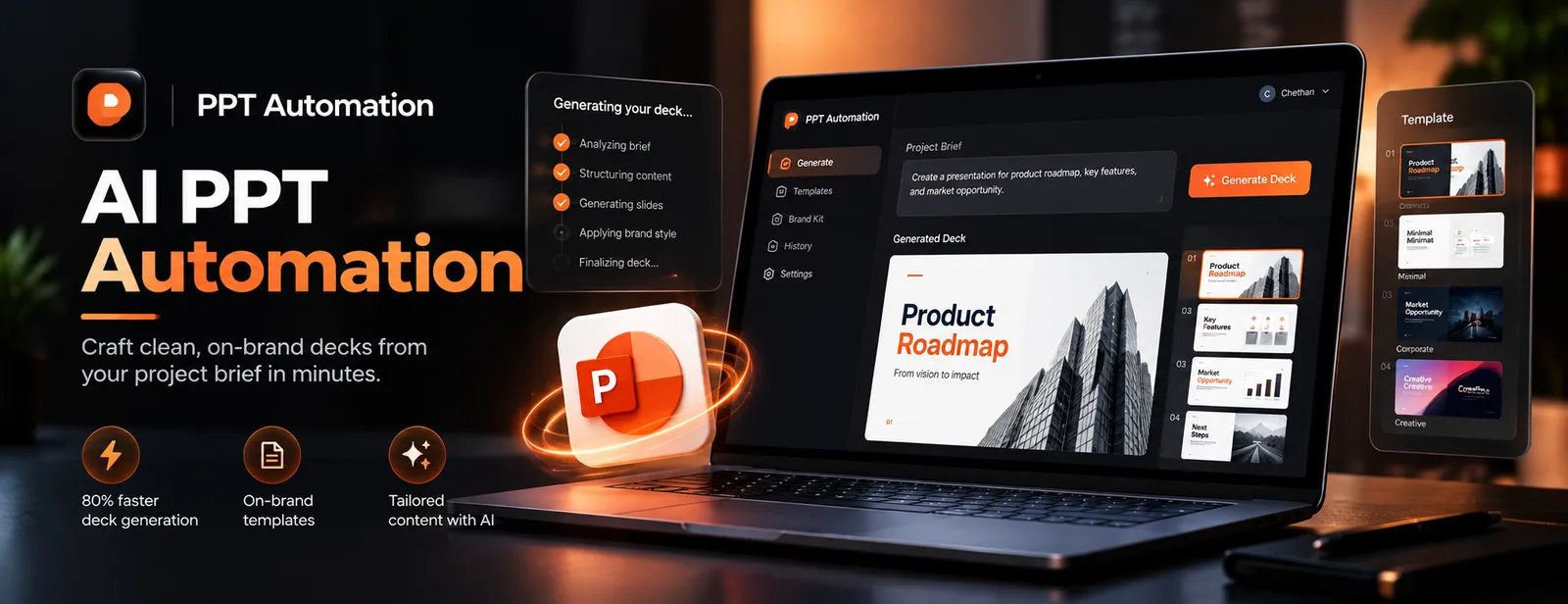
AI PPT Automation
80% faster deck generation
Generates client-ready proposal and case-study decks from a short brief. The pipeline pulls brand assets, drafts the slide content, and enforces layout and colour rules, so output stays on-brand without a designer reviewing every deck.
 1 / 5
1 / 5Impact
- 01Reduced deck creation time from ~3 hours to <30 minutes
- 02Automated 3 custom master template types
- 03Zero formatting errors in generated client decks
What I built
Automated Proposal Generation Pipeline
Built an end-to-end Automated Proposal Pipeline orchestrating Google Sheets (effort estimation data) and Drive (asset staging) to dynamically populate 3 custom master templates via the Google Slides API, generating client-ready decks with zero formatting errors.
AI Theme Analysis Engine
Implemented a Theme Analysis Engine utilizing Google Gemini to automatically extract brand identity (hex codes, typography) from raw text, reducing design turnaround time by 90% while ensuring strict brand compliance.
Precise Layout Alignment System
Solved complex layout challenges by implementing EMU-to-Point coordinate conversion logic, enabling precise, distortion-free alignment for 20+ image placeholders across variable slide structures.
Inspiration
Manual slide creation was repetitive, time-consuming, and error-prone.
Features
- Automated proposal deck generation
- Automated case-study deck generation
- Brand-aware theme and layout analysis
- Dynamic text and image placement
- Google Slides, Sheets & Drive API integration
Challenges
- Precise slide element placement
- Handling dynamic content sizes
SnapshotAt a glance
AI Engineer & Backend Developer
3 months
Reduced deck creation time from ~3 hours to <30 minutes
Automated 3 custom master template types
Zero formatting errors in generated client decks
90% reduction in design turnaround time
Technologies Used
6 Technologies Integrated
Impact
Key Features
Feature Implementation
Project Vision
Enable anyone to generate enterprise-ready presentations in minutes.
Core Process
The process of Developing it.
Built slide orchestration pipelines with EMU-PT precision placement and Gemini-powered theme inference.
